

Compassion Orb Intelligence
The Orb listens. Intelligence organizes. Humans decide. Learn how the intelligence layer behind the Compassion Orb works — context, suggestions, knowledge, safety, human approval, and governance.
What is Compassion Orb Intelligence?
Compassion Orb Intelligence (COI) is the intelligence layer that powers the Compassion Orb and assists individuals, authorized caregivers, families, and care teams. It is designed to help people:
• Understand information • Organize information • Communicate • Prepare for appointments • Create journals and records • Navigate the platform • Identify patterns • Receive appropriate suggestions • Coordinate support • Access approved educational information
Core principle: Compassion Orb Intelligence assists. People decide.
It does not replace the individual, an authorized decision-maker, caregivers, family members, nurses, physicians, emergency services, or professional care teams. The Orb listens; Intelligence organizes; Humans decide.
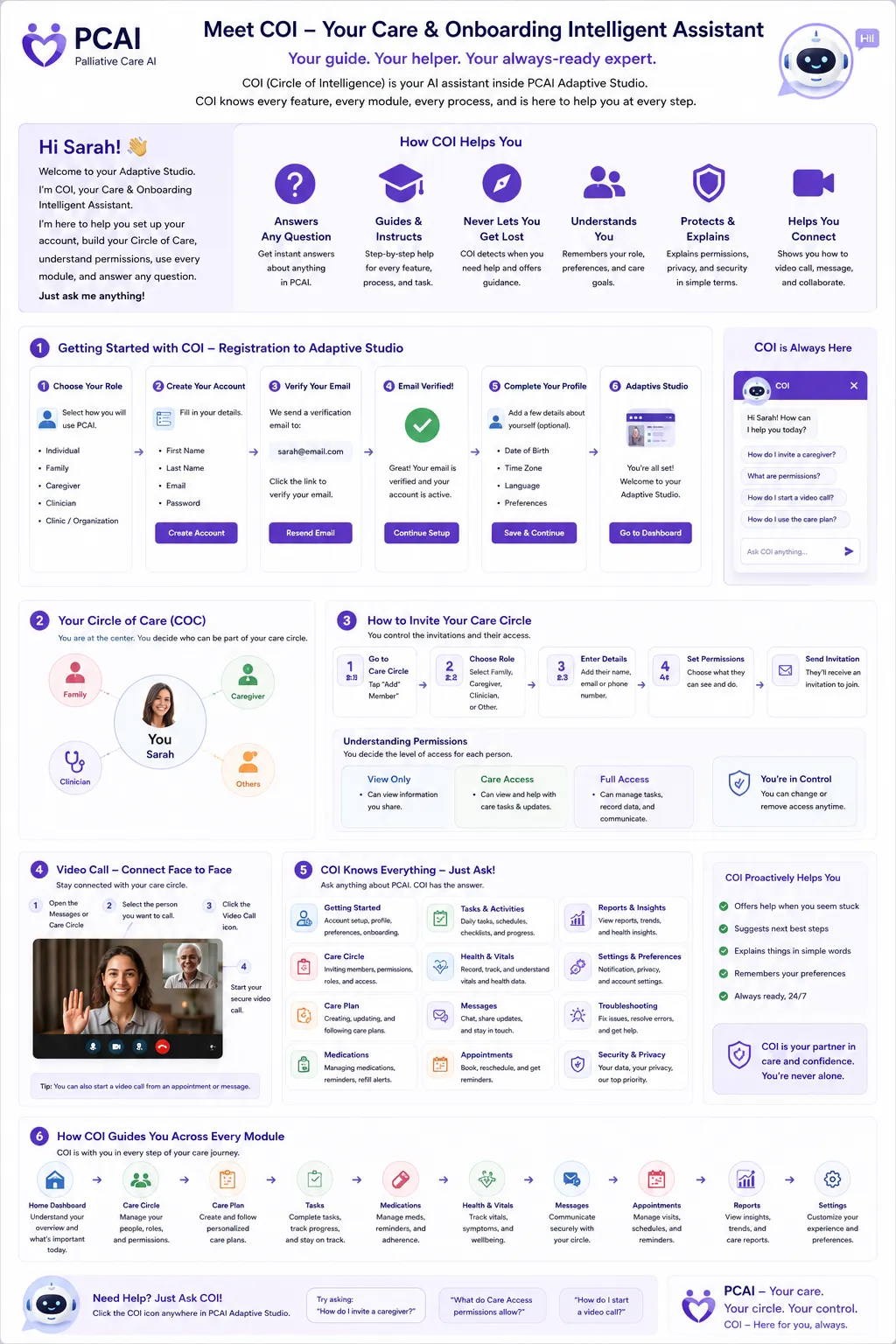
What Does the Compassion Orb Do?
The Compassion Orb is the primary interaction interface for Compassion Orb Intelligence. The user doesn't have to navigate complicated forms. They can:
Tap → Speak → Listen → Review → Approve
For example, you might say: "I didn't sleep very well last night and I'm feeling tired today." Compassion Orb Intelligence could create: "Here's what I heard: You had difficulty sleeping last night and are feeling tired today." Then you choose: Review Draft · Edit · Discard · Approve & Save.
The information should not silently become an approved record. The Orb always offers you the chance to review and decide.
Compassion Orb Intelligence Architecture
The Compassion Orb is the interface. Compassion Orb Intelligence is the intelligence and governance layer behind it:
COMPASSION ORB (interface) ↓ COMPASSION ORB INTELLIGENCE (governance) ↓ ┌──────────────┬──────────────┐ Context Engine Knowledge Retrieval Safety Engine └──────────────┴──────────────┘ ↓ AI Response ↓ Human Review ↓ Reject or Approve → Save / Share
The three engines (Context, Knowledge Retrieval, Safety) operate independently so that a failure or bias in one does not compromise the others.
The Intelligence Is Modular
Compassion Orb Intelligence is not one enormous hardcoded AI function. It is built as separate, governed modules:
• core — shared primitives • conversation — dialogue management • context — what the Orb is allowed to know • knowledge — approved sources • retrieval — fetch relevant passages • suggestions — appropriate next steps • safety — boundary checks • escalation — human handoff • approvals — signature / draft lifecycle • feedback — user-reported quality • audit — traceable events • governance — versioned configuration
The Orb itself is the interaction experience. Compassion Orb Intelligence is the intelligence and governance layer behind it.
Human Approval
Whenever Compassion Orb Intelligence generates information that could become part of your workspace, it follows the human-approval rule:
AI GENERATES → DRAFT → USER / AUTHORIZED PERSON REVIEWS → EDIT / DISCARD / APPROVE → APPROVED INFORMATION
Important distinctions: • AI suggestion ≠ approved information • AI observation ≠ diagnosis • AI summary ≠ clinical record • AI recommendation ≠ medical order
The user (or an authorized human) remains the authority that decides what becomes trusted.
What Can I Ask Compassion Orb Intelligence?
You can speak naturally. Examples:
Personal organization — "Add this to my journal." · "What happened today?" · "Summarize my recent entries."
Appointment preparation — "Help me prepare for my appointment." · "What questions should I ask my care team?"
Communication — "Turn this into a message for my daughter." · "Help me explain this to my nurse."
Memories — "I want to record a memory." · "Help me organize this story."
Platform navigation — "Where are my family messages?" · "How do I invite my daughter?"
Authorized caregiver use — "Show me today's observations." · "What tasks are still outstanding?"
Appropriate Suggestions
The goal is not for COI to constantly tell you what to do. Instead, it recognizes context and offers appropriate next steps.
For example, if you mention feeling more tired than usual, COI might say:
"You mentioned feeling more tired than usual today. Would you like to: 🌿 Create a quieter workspace 🎵 Start your calming soundscape 📝 Record how you're feeling 🤝 Let someone in your Circle know Nothing right now"
This is much better than automatically saying: "You need to do X." The system offers possibilities — it does not make decisions for the person.
When It Doesn't Know
Compassion Orb Intelligence must be able to say: "I'm not sure." or "I don't have enough information to answer that safely." It then provides an appropriate next step.
This is an important part of long-term intelligence design. Never optimize the system simply to produce an answer. Optimize it to produce an appropriate response. A graceful "I don't know" with a useful next step is far better than a confident wrong answer.
Approved Knowledge
COI uses a controlled knowledge system rather than relying entirely on hardcoded knowledge:
KNOWLEDGE SOURCES (Help Center · Approved Guides · Educational Resources) ↓ KNOWLEDGE STORE ↓ VERSION / REVIEW ↓ RETRIEVAL ENGINE ↓ COMPASSION ORB INTELLIGENCE ↓ SAFETY CHECK ↓ RESPONSE
This allows the knowledge base to evolve without rewriting the intelligence system. Administrators add, review, version, and retire sources through a governed workflow — not by editing code.
Feedback
Every meaningful interaction can provide feedback:
• Helpful • Not helpful • Incorrect • Too clinical • Too long • Didn't understand me • I need a person
This feeds the Compassion Orb Intelligence Administration system. Feedback is never applied silently to production — it goes through a review → propose → test → approve → deploy loop.
Compassion Orb Intelligence Administration
The administration interface covers four areas:
Intelligence Quality — Response Quality, User Feedback, Incorrect Responses, Failed Responses, Response Time, Human Approval Rate.
Safety — Safety Events, Escalations, Safety-critical interactions, Human-review events.
Knowledge — Approved Resources, Knowledge versions, Review dates, Outdated resources, Source status.
Governance — Configuration changes (Administrator, Timestamp, Previous configuration, New configuration, Reason for change).
Every change is versioned and auditable.
The Long-Term Improvement Loop
COI improves through a controlled loop:
USER INTERACTION → COMPASSION ORB → COI → RESPONSE → USER FEEDBACK → QUALITY / SAFETY EVENT → ADMIN REVIEW → APPROVED IMPROVEMENT → VERSIONED KNOWLEDGE / POLICY / CONFIGURATION → TESTING → PRODUCTION
Do NOT do this: User says something → AI automatically learns it → AI changes itself.
Instead: Interaction → Evidence → Review → Approval → Version → Test → Deploy.
That gives you controlled, auditable intelligence. User conversations may generate feedback and review candidates, but they must never automatically modify production knowledge, safety rules, prompts, permissions, or escalation policies.
"I Need a Person"
A fundamental COI feature is the ability to say "I need a person." Depending on permissions, the system can:
• Contact Caregiver • Contact Family • Contact Care Team • Request Assistance • Safety Assistance
The user should never feel trapped inside the AI. "I need a person" is always one tap away and routes to a real human in the care circle or care team.
Core Personality
The intelligence layer permanently follows these principles:
1. Listen before suggesting. 2. Ask when important information is missing. 3. Never pretend certainty. 4. Respect the individual's choices. 5. Preserve dignity. 6. Avoid unnecessary clinical language. 7. Never shame the user. 8. Never pressure the user. 9. Make uncertainty visible. 10. Make human assistance easy to reach. 11. Keep the authorized human in control. 12. Learn through controlled feedback and governance.
The core philosophy: Compassion Orb Intelligence doesn't replace the people around an individual. It helps connect the right information, the right tools, and the right people at the right time.
The product principle: The Orb listens. Intelligence organizes. Humans decide.
How COI Understands Context
The Orb does not respond only to the last sentence you said. It considers the authorized context available to it:
Current conversation + User preferences + Active modules + Recent approved activity + Approved care information + User permissions + Current environment/context → COI → Appropriate response
For example, if you say "I'm tired today," a basic chatbot might respond "I'm sorry you're tired. Get some rest." COI could recognize that you have an active Daily Compass, Harmony Engine, and Story Scribe, and respond:
"It sounds like today may be a lower-energy day. Would you like me to: 🌿 Create a quieter workspace · 🎵 Start your calming soundscape · 📝 Record how you're feeling · 🤝 Let someone in your Circle know · Nothing right now"
The system offers possibilities — it does not make decisions for the person.
Personalization Without Stigma
The intelligence layer must not define the person by a diagnosis.
Do NOT build: Dementia User → Dementia AI → Dementia Dashboard.
Instead: Individual → Preferences + Lived Experience + Accessibility Needs + Active Modules + Authorized Context → COI → PERSONALIZED WORKSPACE.
A diagnosis may be an optional contextual input, where legitimately authorized and useful. It is never the person's identity. The workspace adapts to the person — not the other way around.
The Suggestion Engine
Rather than hardcoding hundreds of if (condition === "X") suggest("Y") rules, COI uses a structured Suggestion Engine:
Trigger → Context evaluation → User preferences → Active modules → Permission check → Safety check → Suggestion ranking → Human-friendly suggestion
Each suggestion carries metadata: suggestion_id, category, trigger, purpose, required_context, required_permission, risk_level, allowed_roles, module_dependency, language, priority, expiration, review_status, knowledge_version.
This makes the system expandable — new suggestions are added as governed configuration, not code.
Suggestion Levels
Three levels:
Level 1 — Gentle Suggestion (low-risk everyday assistance). Example: "Would you like to start your evening soundscape?"
Level 2 — Support Suggestion (may be useful to discuss, document, or share). Example: "You've mentioned this several times today. Would you like to create a note for your care team?"
Level 3 — Human Escalation (something requires human attention). Example: "I think it would be helpful to involve someone from your care circle." Then: Contact Caregiver · Contact Family · Contact Care Team · I'm Okay — Continue.
The exact behavior depends on the configured safety policy and permissions.
COI Knows Its Boundaries
The Orb explicitly understands different classes of requests:
Class A — Platform Assistance (safe to answer directly). "Where are my messages?" · "How do I invite my daughter?"
Class B — Personal Organization (can assist with appropriate approval). "Write this in my journal." · "Prepare my appointment notes."
Class C — Educational Health Information (appropriately sourced educational information with clear boundaries).
Class D — Personalized Medical Decisions (do not casually provide treatment decisions). "I can help you organize the information and prepare questions for your care team, but I can't make that medical decision for you."
Class E — Emergency / Safety (prioritize immediate human assistance and configured emergency pathways).
Knowledge Sources & Governance
Each knowledge record carries: Title, Source, Publisher, URL, Document Type, Topic, Audience, Language, Version, Published Date, Review Date, Expiration Date, Status, Approved By, Evidence Level, Applicable Modules.
Possible statuses: DRAFT · UNDER_REVIEW · APPROVED · ACTIVE · EXPIRED · RETIRED.
Administrators can see the Knowledge Library with approved, under-review, expired, and retired sources. For each source: last reviewed, next review, approved by, version. This is far better than hiding information inside application code.
Source Citations & Response Provenance
When the Orb uses external knowledge, the system records where the information came from. The response shows "This information is based on an approved resource" with a "View Source" link.
Internally, the system stores: response_id, knowledge_source_id, knowledge_version, retrieval_timestamp. Plus: request_id, knowledge_sources, knowledge_versions, policy_version, intelligence_version, safety_classification, created_at.
This gives you an answer to "Why did the Orb say that?" — extremely important for long-term governance.
Incorrect Answer Workflow
If you report "That isn't correct," the system does NOT simply overwrite the answer. It creates an event:
AI RESPONSE → USER REPORTS INCORRECT → SAFETY / QUALITY REVIEW → CLASSIFY ERROR → CORRECT SOURCE / POLICY / PROMPT / RETRIEVAL → TEST → VERSION → DEPLOY
Error categories: FACTUAL_ERROR · OUTDATED_INFORMATION · WRONG_CONTEXT · WRONG_SOURCE · HALLUCINATION · UNSAFE_SUGGESTION · PERMISSION_ERROR · TONE_PROBLEM · MISUNDERSTANDING · TECHNICAL_FAILURE.
Tone Monitoring
Feedback tracks why, not just a score. Example:
• Too Clinical — 12 • Too Long — 7 • Didn't Understand — 18 • Helpful — 143 • Incorrect — 4 • Too Generic — 9 • Felt Supportive — 87 • Wanted Human Help — 21
This gives the team actionable information instead of a single "8.2 / 10" number.
Intelligence Feedback Dashboard
The administration dashboard shows:
Intelligence Overview — Response Quality 94% · Helpful Responses 91% · Human Approval Rate 87% · Incorrect Responses 2% · Safety Escalations 8 · Average Response 1.8s
Safety — Safety Events 14 · Human Reviews 9 · Escalations 4 · Unresolved 1
Knowledge — Active Sources 128 · Sources Under Review 7 · Expired 3 · Last Knowledge Update Today
Quality trends are visualized weekly so the team can spot regressions before they affect users.
Human Review Queue
Administrators have a dedicated review queue. Each event shows: Conversation Context → AI Response → Knowledge Used → Safety Evaluation → User Feedback → Permissions → Human Decision.
Event types: Incorrect response (Quality, High), Tone complaint (Feedback, Medium), Safety escalation (Safety, Critical), New knowledge source (Knowledge, Medium), New suggestion (Configuration, Low).
Clicking an event reveals the full chain so the reviewer can decide: approve, correct, retire, or escalate.
Never Allow Silent AI Changes
This is a platform law: Compassion Orb Intelligence must never silently modify its own safety rules, approved knowledge, permissions, escalation policies, or core behavior in production.
Changes require: PROPOSE → REVIEW → APPROVE → VERSION → TEST → DEPLOY.
This is how you create controlled long-term improvement. User conversations may generate feedback and review candidates, but they must never automatically modify production intelligence.
Intelligence Versioning
Every production response is traceable to a version:
• Orb Version: 2.4.1 • Intelligence Policy: 1.8 • Knowledge Version: 2026.08.03 • Suggestion Engine: 1.4 • Safety Policy: 3.2
If something goes wrong, the team can determine exactly what generated the response — and roll back to a known-good version without guessing.
Audit Trail
For important interactions, the audit trail records: User, Timestamp, Session, Request, Response, Knowledge Sources, Model/Intelligence Version, Safety Classification, Suggestion, Approval, Escalation, Human Review, Outcome.
This is particularly important for a healthcare-oriented environment where traceability is a compliance requirement, not just a nice-to-have.
Permissions
COI respects the platform's existing permission architecture. The same question can produce different results depending on who is asking:
Individual — may access personal information, personal journal, personal modules, approved health information, family information shared with them.
Authorized Caregiver — may access only what the individual has authorized.
Family — may access only information shared with them.
Clinic / Care Team — may access only authorized care-related information.
Administrator — manages platform configuration, not automatically everyone's personal information.
The Most Important Architectural Rule
The AI should not own the data. The platform owns the structured data. Compassion Orb Intelligence requests access to authorized information.
DATABASE ↑ (authorized query) ↑ CONTEXT / PERMISSION ENGINE ↑ COMPASSION ORB INTELLIGENCE
Not: DATABASE ↓ AI sees everything.
The AI receives what it needs — not the entire database. Every query passes through the permission layer first.
The Compassion Orb Is the Doorway
Compassion Workspace — the place where the person lives inside the application.
Modules — the capabilities they choose.
Compassion Orb — the natural interface they can speak to.
Compassion Orb Intelligence — the reasoning, knowledge, suggestion, safety, and orchestration layer.
Human Approval — the authority that determines what becomes trusted information.
The Orb is the most human and accessible way to interact with that intelligence — but the intelligence is a separate, governed service layer that the Orb, dashboards, modules, Help Center, and future AI features can all use.
Final Architecture
The long-term system:
INDIVIDUAL → COMPASSION ORB INTERFACE → COMPASSION ORB INTELLIGENCE (Conversation · Context · Suggestions · Knowledge Retrieval · Personalization · Safety · Escalation · Feedback) → PERMISSIONS + KNOWLEDGE + MODULES → HUMAN REVIEW → DISCARD / APPROVE → TRUSTED DATA → USER / CAREGIVER / CIRCLE / CLINIC
The key idea for developers: Do not build Compassion Orb Intelligence as a chatbot page. Build it as an intelligence infrastructure layer that the Orb, dashboards, modules, Help Center, Care workspace, Connect workspace, and future AI features can all use.
That gives you a foundation where you can later add natural-language search, appointment preparation, report generation, personalized suggestions, knowledge retrieval, voice interaction, daily briefings, staffing intelligence, care coordination, forecasting, and multilingual interaction — without rebuilding the Orb from scratch.
Developer Specification
The developer mandate (put directly into the repository README):
1. COMPASSION ORB INTELLIGENCE MUST REMAIN A SEPARATE, GOVERNED SERVICE LAYER. 2. Modules must not contain independent AI decision logic. 3. AI-generated information must remain distinguishable from human-approved information. 4. The intelligence layer must respect authorization, privacy, safety policies, knowledge governance, and human approval workflows. 5. Production behavior must be versioned and auditable. 6. User feedback may inform future improvements but must never silently modify production intelligence. 7. The system should optimize for appropriate assistance, transparency, dignity, and human connection — not maximum automation.
The request pipeline: USER INPUT → IDENTITY → AUTHORIZATION → CONTEXT → INTENT → KNOWLEDGE RETRIEVAL → RESPONSE GENERATION → SAFETY CHECK → PERMISSION CHECK → RESPONSE TYPE → HUMAN APPROVAL IF REQUIRED → ACTION / DISPLAY → AUDIT EVENT. The LLM must never bypass this pipeline.
API Design
A clean API surface:
User-facing: • POST /api/orb/message — send a message to COI • POST /api/orb/suggestion — request a suggestion • POST /api/orb/approve — approve a draft • POST /api/orb/reject — reject a draft • POST /api/orb/feedback — submit feedback • POST /api/orb/escalate — escalate to a human • GET /api/orb/context — current authorized context • GET /api/orb/history — conversation history • GET /api/orb/sources — knowledge sources used
Administration: • GET /api/admin/orb/analytics • GET /api/admin/orb/events • GET /api/admin/orb/reviews • GET /api/admin/orb/knowledge • POST /api/admin/orb/knowledge • POST /api/admin/orb/knowledge/review • GET /api/admin/orb/versions • POST /api/admin/orb/configuration
Exact endpoint naming can be adapted to your existing backend conventions.
Database Foundation
At minimum, plan for tables/entities around:
Sessions & messages: orb_sessions, orb_messages, orb_requests, orb_responses
Suggestions: orb_suggestions, orb_suggestion_events
Feedback & safety: orb_feedback, orb_safety_events, orb_escalations
Approvals: orb_approvals, orb_signatures
Knowledge: orb_knowledge_sources, orb_knowledge_versions, orb_knowledge_reviews
Governance: orb_configurations, orb_configuration_versions, orb_intelligence_versions, orb_audit_events
Do not create one enormous orb_data table. Keep events (feedback, safety, audit) and governed records (knowledge, configurations, approvals) separate so that high-volume event writes don't slow down governance reads.